Swift AI Academy
Section 1.3 · Check Before You Use
Rulebook Section · 15 min
Required step

My Personal AI Rulebook

You write one short page about how you use AI tools. Write it about yourself, in your own words.
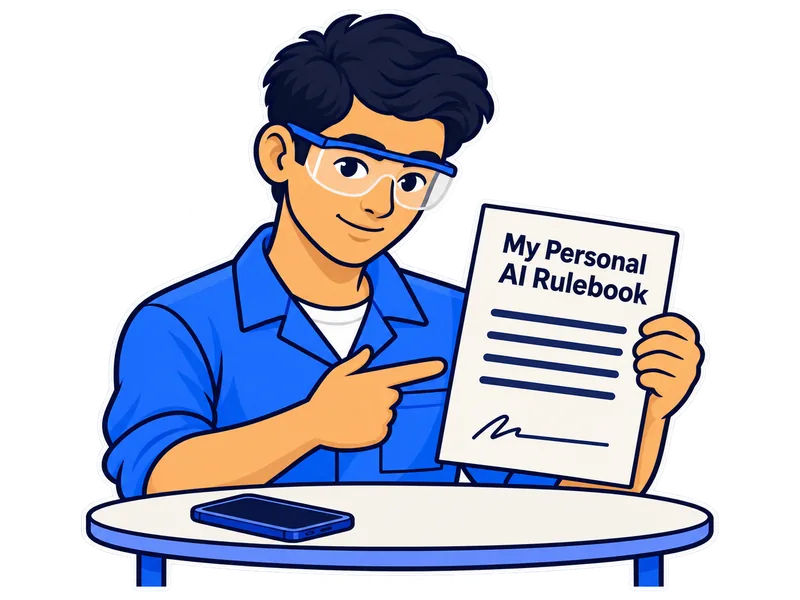
A trainee holds one short page called My Personal AI Rulebook, with a signature line at the bottom. A phone lies on the table.
R1

The tools I am approved to use

You name your AI tool, your account, your device and your helper.

R2

How I check

You say what you mark and what you check it against.

Never add passwords, ID numbers, phone numbers, addresses, health details or marks. Nothing is saved, so download your page at the end.

AAI-E-MC1-S03-RULE01 · Element 4

Why it matters

Why should you keep a rulebook?

A rulebook is not extra paperwork. It is one page that shows how you work.

Your task. Tap each card to see one reason.

This is a required step. You must complete your rulebook page, and you cannot skip it.
Before you start

Here is a finished rulebook page.

This person is made up. Copy the shape of the answers, not the details.

Your task. Look at both examples, then answer the question.

What do you copy from this example?

Section R1 · My tools · 1 of 2

Which AI tool are you approved to use?

Your task. Type the name of your AI tool, then tap your type of account.

Example: “SwiftChat, approved by my facilitator”

2. What kind of account is it?
Section R1 · My tools · 2 of 2

Which device do you use, and who helps you?

Your task. Tap your device, then type who you ask for help.

3. Which device do I use?

Example: “My facilitator”. Never type a phone number or an ID.

Section R2 · How I check · 1 of 3

What do you check before you trust an answer?

Your task. Tap what you mark, then tap each step of your method.

5. I mark these in every AI answer Tap all that apply.
6. My checking method Tap all that apply.
Section R2 · How I check · 2 of 3

What do you check your AI answers against?

Your task. Type your sources, then tick the box and type your peer's name.

Example: “the tool register, the notice board, my facilitator”
An open tool register book
Tool register
A notice board with three notes pinned on it
Notice board
A facilitator holding a clipboard
My facilitator
8. Explain this page to a peer
Section R2 · How I check · 3 of 3

Now you sign and date your page.

Your task. Check the version and the date, then tap the declaration.

Your rulebook page

Here is your rulebook page 1.3.

Your task. Check that every part is filled in, then tap Download my page.

Keep this safe. You will open this page again in MC3 and add to your checking routine.